
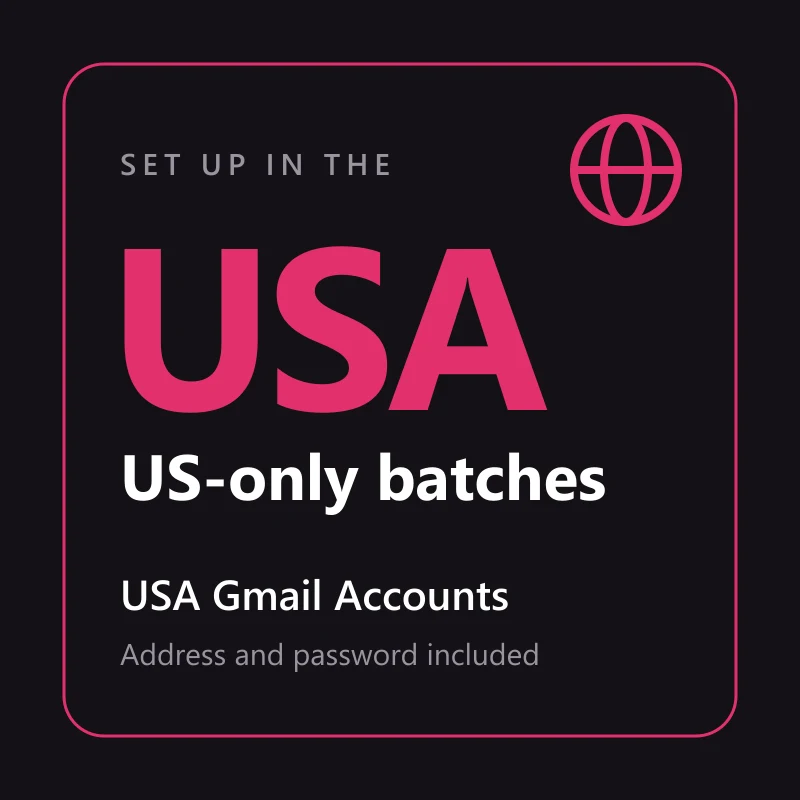
Buy USA Gmail Accounts
5000 in stock
A Gmail account set up as a US account, from a batch listed for the US alone. Address and password with every order, 2FA on most batches, and a 24-hour replacement window if it will not sign in.
Delivery format: email:password:recovery email:2FA secret
One account per line on your order page. Some batches add backup codes or an app password, and the field order can change between batches; the table further down shows how to tell the fields apart.
When Google asks for a 6-digit code, paste the 2FA secret into the checkkit.net 2FA code generator and enter the code it shows, or use one of the backup codes.
What makes a Gmail account "USA"
The address gives nothing away: @gmail.com looks the same from Texas or from Vietnam. The difference sits inside the account, in the region it was set up with, its language defaults and where its sign-ins have come from. This listing only ships from batches that name the US and no other country. Mixed-country batches never go out under it.
- Every account comes from a batch listed for the US alone
- Set up as US in the way its batch states: a US region, registration from a US IP, or US profile details
- The Gmail address and password, on every account in the order
- 2FA on most batches, with the secret in your delivery
- Not promised: a US phone number, or any particular age
What US changes
The region and language stored on the account, and a sign-in history that starts in the US. On batches set up with a US region, services that check where a Google account belongs see a US account from the first login.
What US does not change
Google weighs every new sign-in against the account's history. Log in from another country and it can still ask you to verify. That is the check working, not a fault. Signing in through a US connection keeps your first login closer to what the account has seen.
Country is the promise, not age
The US batches behind this listing range from accounts opened last week to ones registered back in 2005. Each order is filled from the current US batch that is next in line, so the age of what you get is whatever that batch holds.
- Some batches are brand new and some are years old, and one order can mix them
- The price holds when the batch behind the listing changes
- Field order in the delivery can differ from one batch to the next
- The batch is picked when you order, so delivery takes minutes rather than seconds
If you need age and country both
This listing can't promise age, and the old Gmail listing holds a year floor but no region. Buy from whichever promise matters more for the job, and treat the other as a bonus if it turns up.
Single batches in the catalogue
The grid below lists single batches, and some cost less than this. Several put the US next to other countries or call themselves mixed, which can drop a non-US account into your order. Fine when country does not matter. Not what this listing sells.
Does your job need a US account?
Paying for the region only makes sense where something reads it. Here is how the setups we see most often come out.
| What you are setting up | Does US matter? | Why |
|---|---|---|
| Accounts for US-only apps, stores or ad platforms | Yes | They often check the account's region and where it signs in from |
| Accounts you will run from a US connection | Yes, it matches | The account's history and your logins stay in one country |
| Accounts you will use daily from outside the US | Usually not | Google judges each login by where it comes from, so it may ask you to verify anyway |
| Mailboxes for newsletters, tools or testing | No | A fresh Gmail from the catalogue does the job for less |
Illustrative, from what buyers on this site order. How a service treats an account is its own decision, not a rule published by Google.
Reading the fields in your delivery
Each account sits on its own line of the order page, with its fields separated by colons. Batches do not agree on the order of those fields, so recognise each one by how it looks.
| Field | How to recognise it | What you use it for |
|---|---|---|
| Gmail address and password | The first address with an @, usually ending in @gmail.com, then the password | Signing in to Gmail and every other Google service |
| Recovery email | A second address with an @, often at another mail provider | Answering Google when it asks you to confirm the recovery email |
| 2FA secret, backup codes or app password | Groups of capital letters and digits; several 8-digit numbers; or 16 lowercase letters | The 6-digit sign-in code; one pass per backup code; mail apps over IMAP or SMTP, not web sign-in |
Not every batch carries every field. Each listing states what it promises; anything beyond that is extra.
First sign-in problems and fixes
Google looks hard at the first sign-in from any device it has not seen, so a prompt on the first try is normal and usually passes. Accounts that do not work as delivered are replaced within 24 hours.
| What Google shows | What to do |
|---|---|
| Confirm the recovery email | Type the recovery address from your delivery. If Google sends a code to it and you cannot open that mailbox, report it from the order page within 24 hours. |
| "Verify it's you", or the 2FA code is rejected | Stay in one browser profile and wait before trying again; many attempts in a row make the check stricter. For a rejected code, let your device clock update automatically and use a fresh code. |
| Wrong password, or the account is disabled | Copy the fields again with no spaces around them. If it still fails, report it from the order page within 24 hours for a replacement. |
Report from the order page within 24 hours of delivery. The window covers accounts that fail as delivered, not changes made after you sign in.
Sign in the way a US account expects
The 24-hour replacement window starts at delivery. A first login that looks like the account's usual one saves you most of the prompts.
- Connect through a US IP if you have one, and open a browser profile you will keep for this account.
- Sign in with the Gmail address and password.
- When Google asks for the second step, enter a code made from the 2FA secret in your delivery.
- If the password is refused or the account is disabled, report it from the order page within 24 hours.
Frequently asked questions
- Does the account come with a US phone number?
- No. A US account and a US phone number are separate things, and the number is neither delivered nor promised. If Google asks for a phone at sign-in, the "Verify it's you" row in the table above covers what to do.
- How old are USA Gmail accounts from this listing?
- Anything from brand new to many years old, depending on the batch. Age is not part of this promise. For a floor of more than a year, the old Gmail listing is the one to buy.
- Will a US account stop Google asking me to verify?
- No. Google checks each new device and location against what the account has seen. A US connection and one steady browser profile make those checks rarer, not impossible.
- Can I change the language or country later?
- The language, yes, in the Google Account settings. The country Google links to an account follows where it is used over time, and Google limits how often that changes, so plan on keeping it in the US.
Recommended products
Gmail Accounts
Buy Old Gmail Accounts
$2.50/ account
Gmail Accounts
10 Days Old EU Used Fresh Google Accounts, EU IP
$2.75/ account
Seller 4.5
Gmail Accounts
10 Days Old Used 2FA Gmail Accounts + App Password, Mixed IP
$3.38/ account
Seller 4.5
Gmail Accounts
Mixed IP
$4.22/ account
Seller 4.5
Gmail Accounts
SMS Verified | No Phone Linked | Recovery Email | Gender Optional | 2FA
$46.57/ account
Seller 4.4
Gmail Accounts
2015 or earlier Google Accounts, Recovery Mail, Mixed IP
$7.82/ account
Seller 4.5